Note : This project was done in 2007. So some of the code needs to be explored to explain.
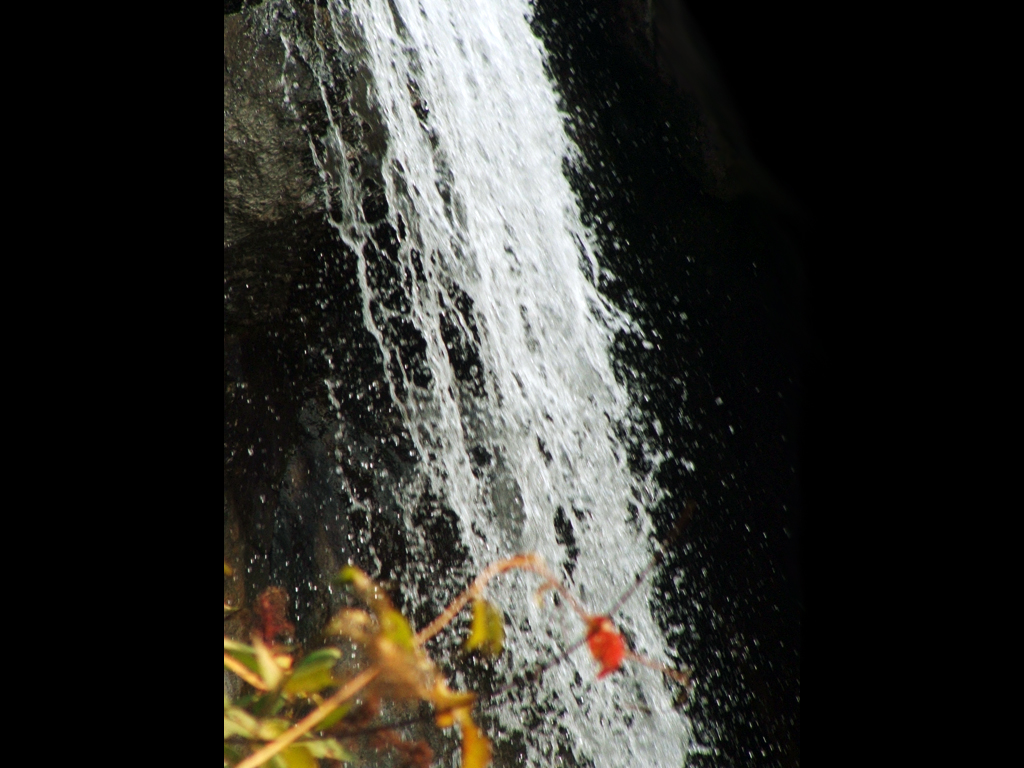
I wanted to take images like below:


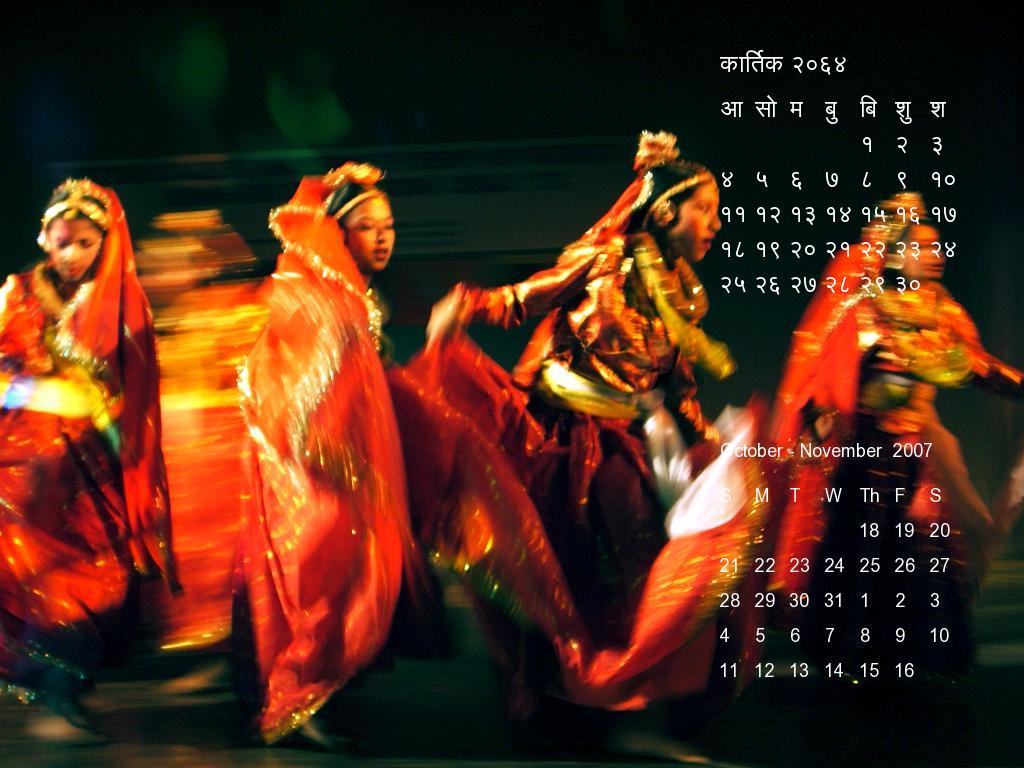
And add Nepali and English calendars to them like below so that I could use them as my wallpaper as well as a calendar — Something like a desk calendar.

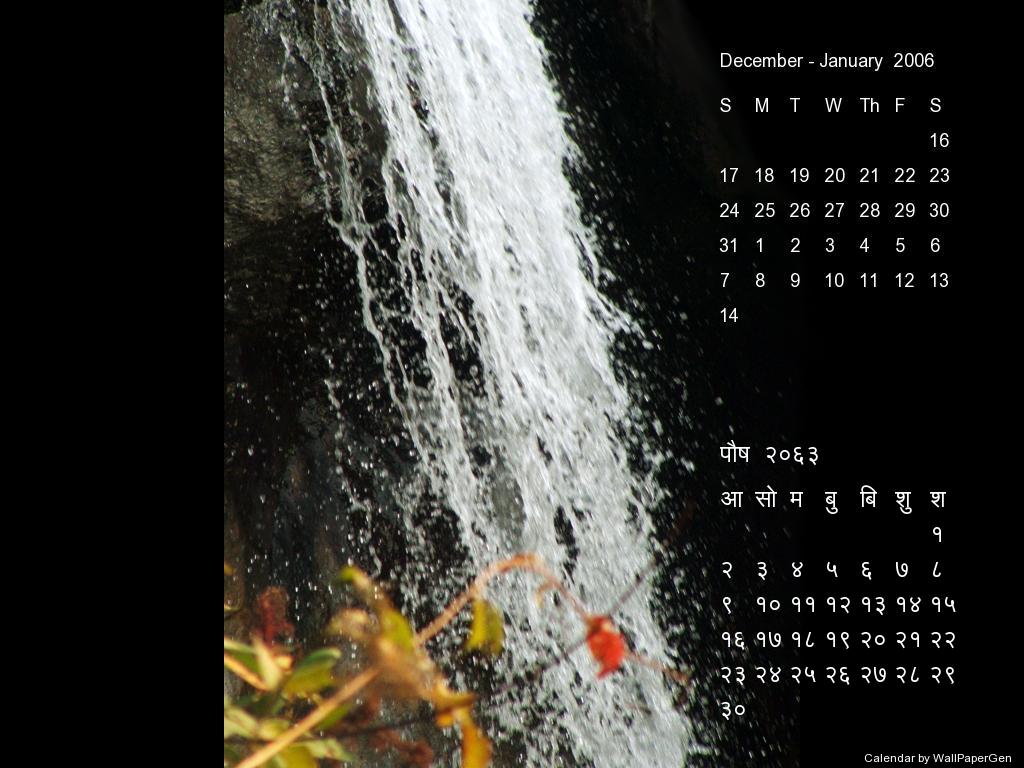
I created a Python app to do this and below is how the setup screen looks.
The application can be started from the command-line like below :
>>python wallPapergen.py
Once all parameters are setup in the setup screen I could generate the calendars on top of images using the famed Python PIL (Python Imaging Library) library.

There is a quick help as to what each of these parameters are on the top right corner shown with a question mark icon.
Few parameters worth talking about it are:
Colors : we can select among a variety of colors. I think the idea was to choose colors that standout the most in the images for the calendar/s to be visible.
Direction : total of 9 directions are available to place the calendar on images. These 9 directions are all around the corners and one at the center.
Date Format : this is the confusing one. I don’t even remember why I put it there. What it does is either generate the Nepali calendar first and generate English calendar based on the Nepali calendar or vice versa.
Other options are pretty self-explanatory.
The three core files to this code are:
createCalendarPicture.py : this contains the core methods that take the picture, get calendar data from dateConverter.py and put the calendar as image onto the picture
dateConverter.py : does the date conversion between Nepali dates and English dates
dateData.py : this is the Nepali Calendar database with Year and days of the month. Nepali months can have anywhere between 28 to 32 days.
Note : This code was designed for a 1024×768 screen size.
Full code for the Wall Paper Calendar generator — http://www.prjoshi.com/wp-content/uploads/2020/01/calendar_code.zip